Help & Support Center
Find answers to your questions, access tutorials, and get the support you need for your RGHS healthcare services.
Quick Actions
Medical Emergency?
For life-threatening emergencies, call 108 immediately or visit the nearest emergency room.
Help Categories
Frequently Asked Questions
10 questions found
How do I book an appointment online?
PopularTo book an appointment: 1) Go to the Appointments page, 2) Select "Book Appointment", 3) Choose your preferred doctor and specialty, 4) Pick available date and time, 5) Fill in patient information, 6) Submit the form. You'll receive a confirmation email within minutes.
Can I reschedule or cancel my appointment?
PopularYes, you can reschedule or cancel appointments up to 24 hours before the scheduled time. Go to "Upcoming Appointments" section and click the "Reschedule" or "Cancel" button next to your appointment.
What if I need an emergency appointment?
For emergencies, call our 24/7 helpline at 1800-RGHS-HELP or 108. You can also use the "Emergency Booking" feature on the appointments page for urgent medical needs.
How do I access my medical records?
PopularYour medical records are available in the "Medical Records" section. You can view, download, or share your records securely. All records are encrypted and require your authentication to access.
How long does it take to get medical records?
Digital records are available immediately. Physical record requests are processed within 24-48 hours. Rush requests for urgent medical needs can be expedited.
How does RGHS insurance coverage work?
PopularRGHS provides cashless treatment at 500+ empaneled hospitals. Show your RGHS card at registration. For non-empaneled hospitals, pay first and submit reimbursement claims with original bills.
What documents are needed for insurance claims?
Required documents: 1) Original bills and receipts, 2) Discharge summary, 3) Prescription and diagnostic reports, 4) RGHS card copy, 5) Bank account details for reimbursement.
I forgot my password. How do I reset it?
Click "Forgot Password" on the login page, enter your registered email or phone number, and follow the instructions sent to reset your password securely.
How do I update my profile information?
Go to your profile settings, click "Edit Profile", update the required information, and save changes. Some changes may require verification via email or SMS.
What should I bring to my appointment?
PopularBring: 1) RGHS card and photo ID, 2) Previous medical records and prescriptions, 3) List of current medications, 4) Insurance documents, 5) Any specific test results or referral letters.
Video Tutorials
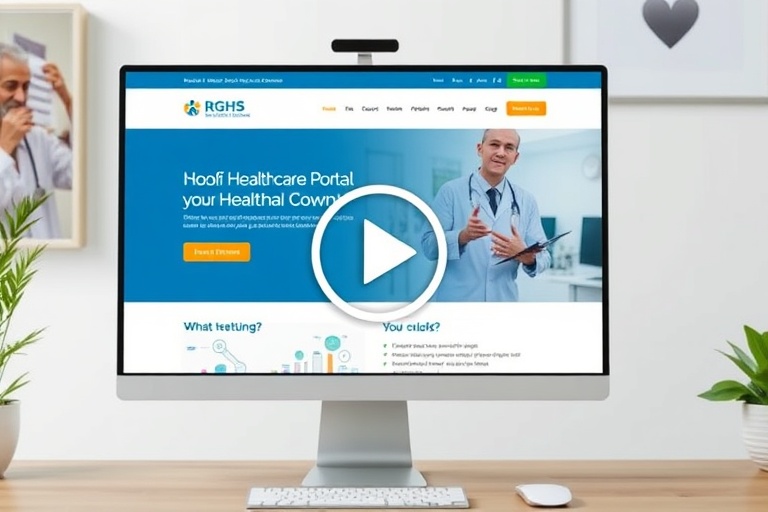
Getting Started with RGHS Portal
How to Book Your First Appointment
Managing Your Medical Records
Still Need Help?
Can't find what you're looking for? Our support team is available 24/7 to assist you with any questions or issues.